Search without changing your model.
Bring a Tavily key. Assisted search lets one API model prepare public queries, receive web excerpts and answer with citations. No additional agents or Niv.
Avis activates when you attach an image and configure a compatible vision model. Its observations become input for drafting and review. It does not activate a camera or monitor your screen.
All experiments ↗Actual desktop interface, showing a recorded live Tavily + DeepSeek run.
Generated examples, not studio endorsements.
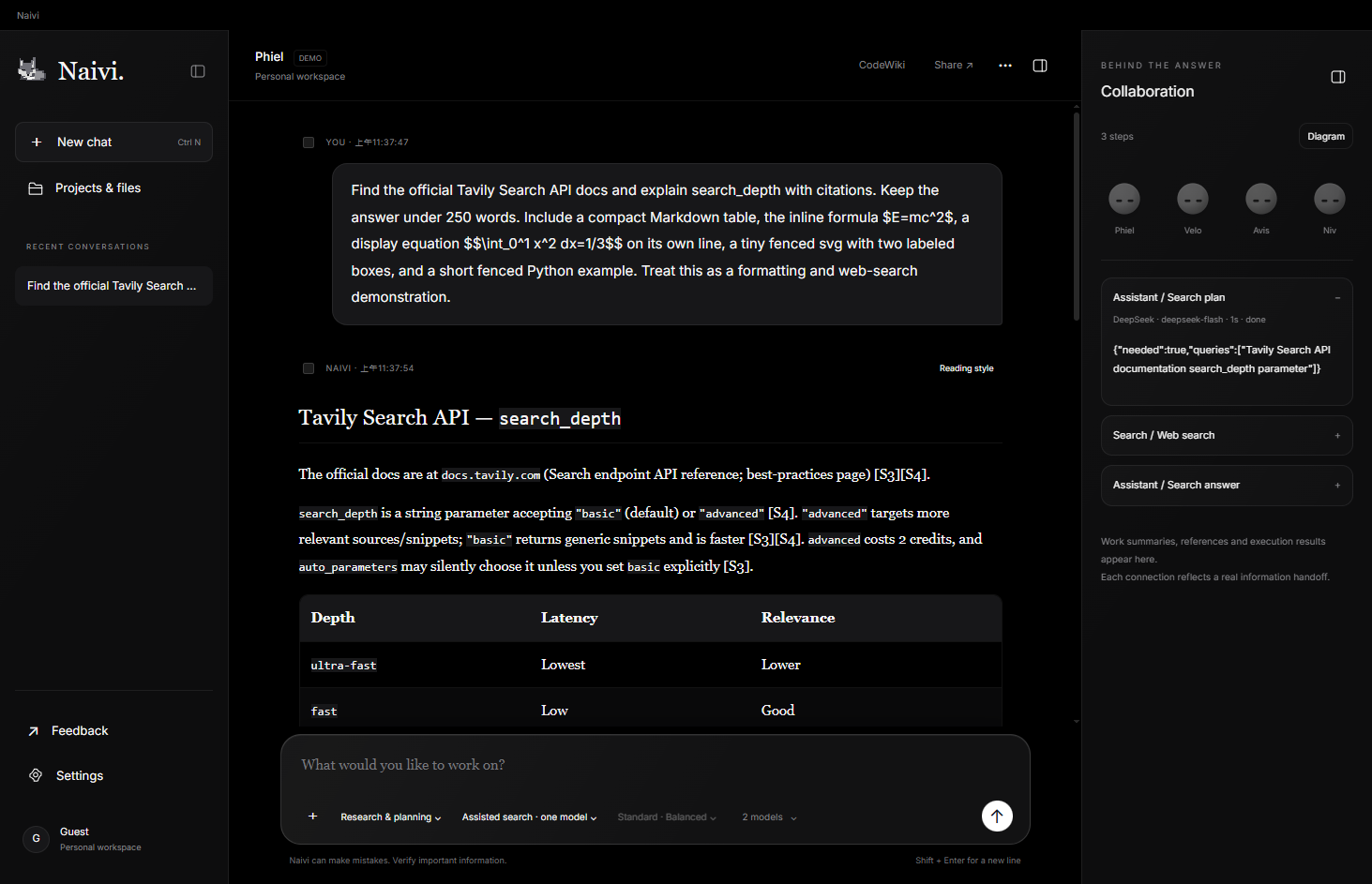
Bring a Tavily key. Assisted search lets one API model prepare public queries, receive web excerpts and answer with citations. No additional agents or Niv.
Choose automatic or always-on search for multi-model workflows. Agents share retrieved evidence, then draft, review and synthesize. Web text never grants computer permissions.
Math, tables, foldable highlighted code and sandboxed SVG previews. Source cards distinguish page excerpts from snippets. Token coverage and search credits stay visible.
Phiel frames the question. The right models make and review. Niv brings relevant preferences back at the end. You can follow the work, without losing the thread.
Independent perspectives when they help.
Quiet companions when they do not.
Frames the question, gathers independent perspectives and brings the answer together. Returns with Niv’s brief to refine emphasis.
Explore Phiel ↗Creates original prose and works inside a project you choose. Literary writing draws on a curated craft reference; file changes stay under your control.
Explore Velo ↗Looks at attached images through a vision-capable model. Separates what is visible from what is inferred.
Explore Avis ↗Keeps relevant preferences, then briefs Phiel on emphasis. Your memory remains visible, editable and optional.
Explore Niv ↗Aeri / voice remains on the drawing board. The website introduces the project; the tools described here belong to the experimental desktop app.
A guided illustration of the Standard workflow.
Choose a step to explore.
Phiel maps the request, its important subquestions and the evidence it needs. Selected models contribute independent perspectives.
A draft, one review and a final synthesis. No Niv or memory collection. Lowest relative usage.
Scope, independent review and relevant personalization. A balanced everyday workflow.
More selected models independently scope and review. More calls and token usage for deeper comparison.
Usage depends on response length and provider pricing. More reviews do not guarantee correctness.
Dedicated project conversations, reviewable file changes and a CodeWiki timeline. Test and roll back with explicit control.
Preferences grounded in your words. Review, edit or remove them. Memory shapes presentation; it is not factual evidence.
Selected generated passages become a separate PHI Snap link. It expires in 24 hours; revoke it sooner whenever you want.
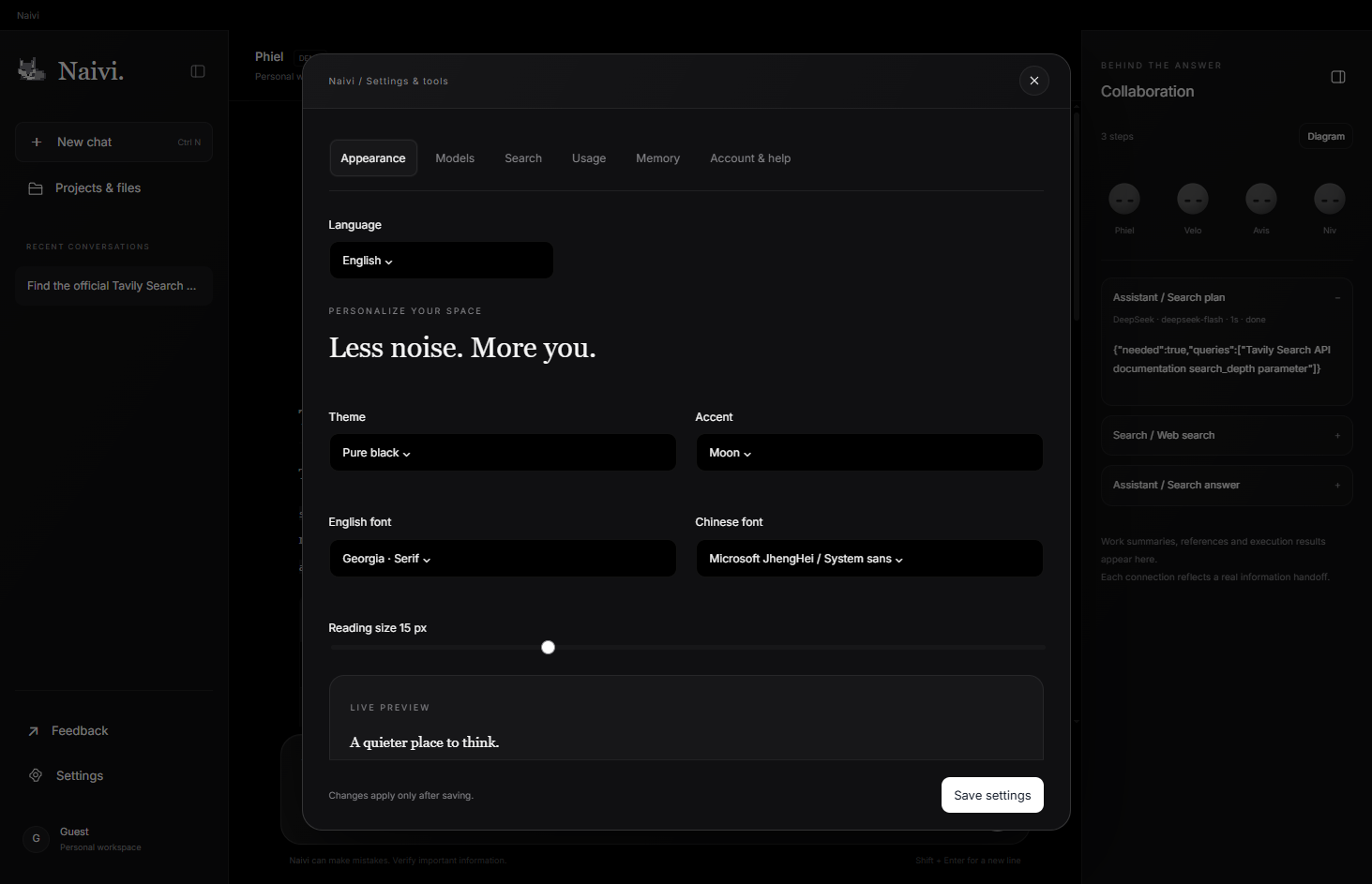
Structured Markdown, DICK callouts, adjustable typography and local custom CSS. Three interface languages, two themes.
Signed-in users can create a remote task lasting 72 hours. The KEY is generated locally and shown once. Both viewing output and submitting prompts require it. Revoke access from the desktop whenever you need.
Keep Naivi running and your computer awake. Encrypted prompts are verified locally. Project changes can be applied automatically; explicit /terminal commands run only after you authorize this capability locally. Terminal access is not sandboxed.
Each completed command or model task emails a summary to your registered address. Summaries are processed by the studio mail service; full task outputs remain encrypted on the relay. Failed delivery is shown in the task page.
Naivi uses the PolyForm Noncommercial License 1.0.0. Commercial use requires a separate written license from SanGuai Culture Studio. Third-party components retain their own licenses.
Older builds do not receive new features. Start with the latest version.
Windows x64 installer · Install for your Windows account. Portable ZIP is also available.
Verify download · SHA-256
Experimental desktop software. Connect your own compatible model accounts.
Remote terminal commands require explicit local authorization. They run with your account permissions and are not sandboxed. Model output still needs verification.